Step 1Paste your website
Start a new project and enter your website address. You can optionally add extra context: free text that is taken into account as a supplement to the analysis. If you are a non-profit with a Grants account, this is where you turn on Google Ad Grants mode.
AdBuilder then goes through three phases with live progress: creating the project, crawling your website and the AI analysis. As soon as that is finished, you move on to the next step.
Step 2Confirm your business details
You see what the analysis derived from your site and add to it where needed: brand name, industry and audience, plus your themes (feed the generic campaign), products or services (feed the specific campaign) and USPs. Everything is presented as selectable chips, with a "Generate more" button.
This is also where you choose your target countries, the ad language, an optional phone number (for the call extension) and the tone of voice: imitate the site, or professional, casual, technical or friendly.
Step 3Set up the campaigns
Choose which campaign types you want (Brand and Generic are on by default) and set the daily budget, location targeting, ad scheduling and bid strategy per campaign. You also set your main goal and whether your conversion tracking is already working. That influences the keyword and bidding choices.
Step 4Exclusions
You define which competitors and which words or themes you want to exclude, and which reusable exclusion lists are applied to all campaigns. This way you prevent overlap and unwanted traffic before anything goes live.
Step 5Generate, review and publish
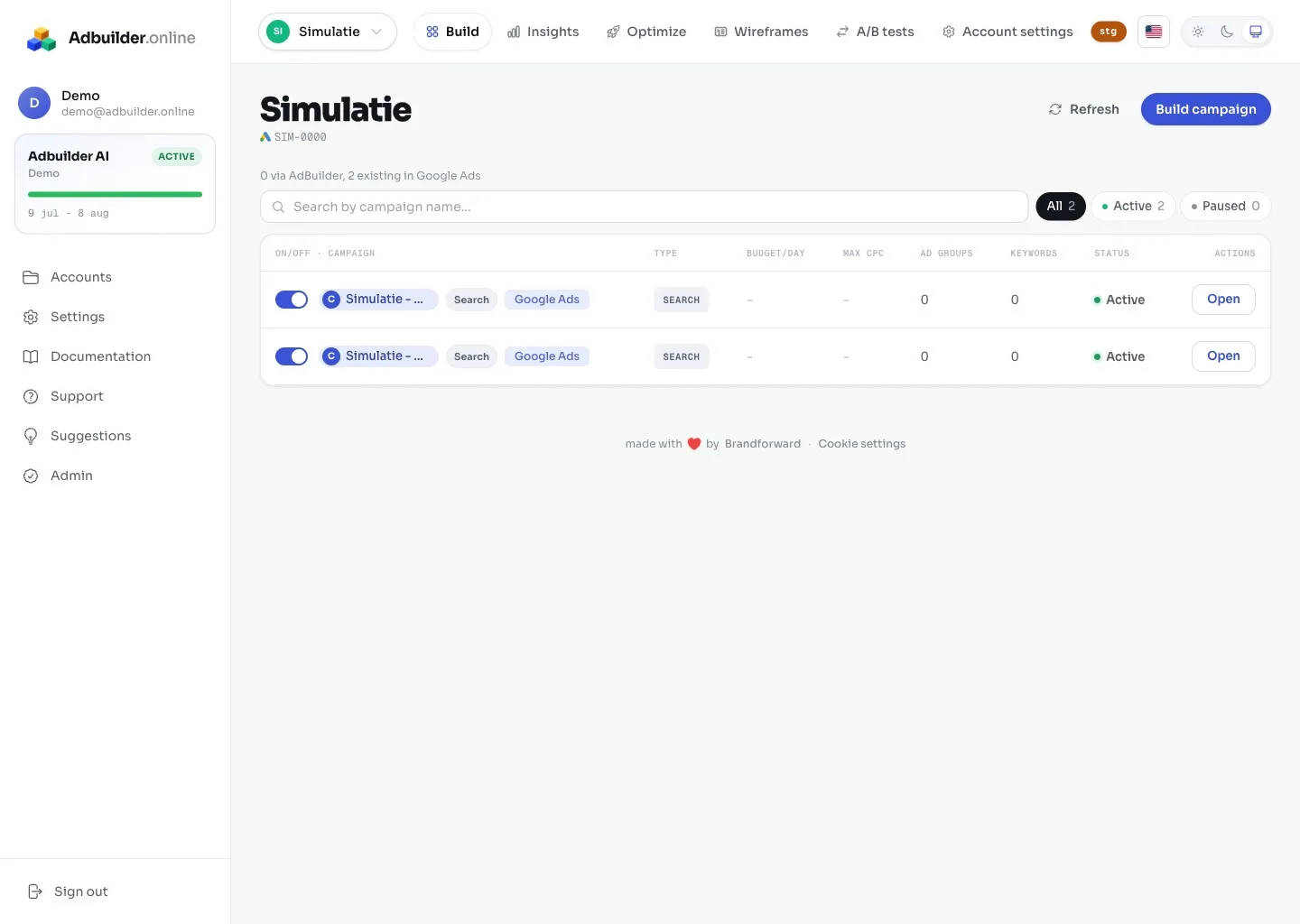
AdBuilder now generates the full campaign. In the review screen you edit everything inline, see warnings (character limits and policy) and have version history. Once you are happy, you connect your Google Ads account and publish. You decide yourself which campaigns go "On" (live) or "Off" (paused).
TroubleshootingWhen the wizard gets stuck
If your site could not be read, it is usually behind a login or a firewall (for example Cloudflare) is blocking the crawler. In that case, provide extra context in step 1 or try a different, publicly reachable URL. You can read more about this in "Connecting your Google Ads account" and "How website analysis works".