Setting upStarting from a recommendation
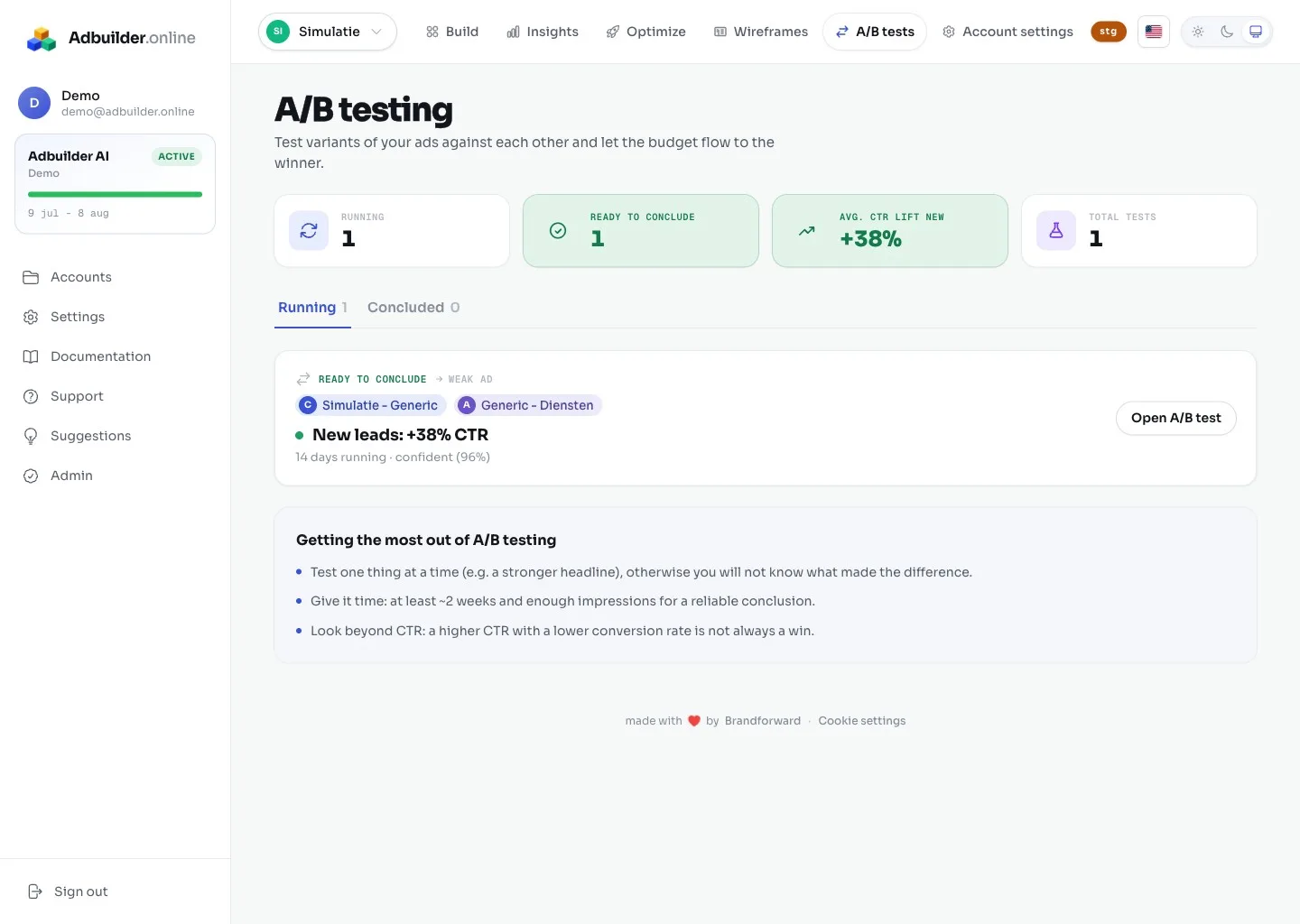
You do not start an A/B test on its own, but from an ad recommendation under Optimize with a checkbox (on by default). The new ad then runs 50/50 alongside the existing one in the same ad group, instead of replacing the old one. You can test the copy, the landing page or the pinning (which headlines or descriptions are in a fixed position).
WinnerReliably determined
Before AdBuilder declares a winner, the test must meet three fixed conditions: at least 200 impressions per ad, at least 3 days runtime, and at least 95% confidence. That 95% means the difference is almost certainly real and not down to chance.
The winner is determined on CTR, or on conversion rate if you test a landing page. As soon as all conditions are met, a recommendation to finish the test appears automatically.
FinishingBudget to the winner
You finish the test by pausing the loser (the default advice). All the traffic, and thus your budget, then goes to the remaining ad. In the separate A/B tab you track clicks, CTR, position and conversions per ad live, with a comparison chart and the approval status of each variant.